
March 2025
Designing UI/UX for Snapit APP
Role: UI/UX Designer · Tools: Figma · Duration: 4 weeks
Snapit is a cross-platform photo and video sharing app that helps users easily send and receive high-quality media files between different devices—whether it’s Android or iPhone. I was responsible for designing the end-to-end user experience and interface, with a strong focus on simplicity, speed, and joyful interactions.
The Challenge
During events like trips, birthdays, or group outings, users often struggle to collect all the photos and videos taken by different people. Existing solutions either compress media, require complicated setup, or limit sharing across platforms. Snapit needed a clean and intuitive interface that made sharing media feel as easy as messaging—without compromising quality.
My Design Process
- User Discovery: Conducted interviews with 6 users who frequently share media in groups to identify their biggest pain points.
- Journey Mapping: Mapped out user flows for sending, receiving, and organizing shared media.
- Wireframes: Created low-fidelity wireframes to explore different sharing mechanics and onboarding flows.
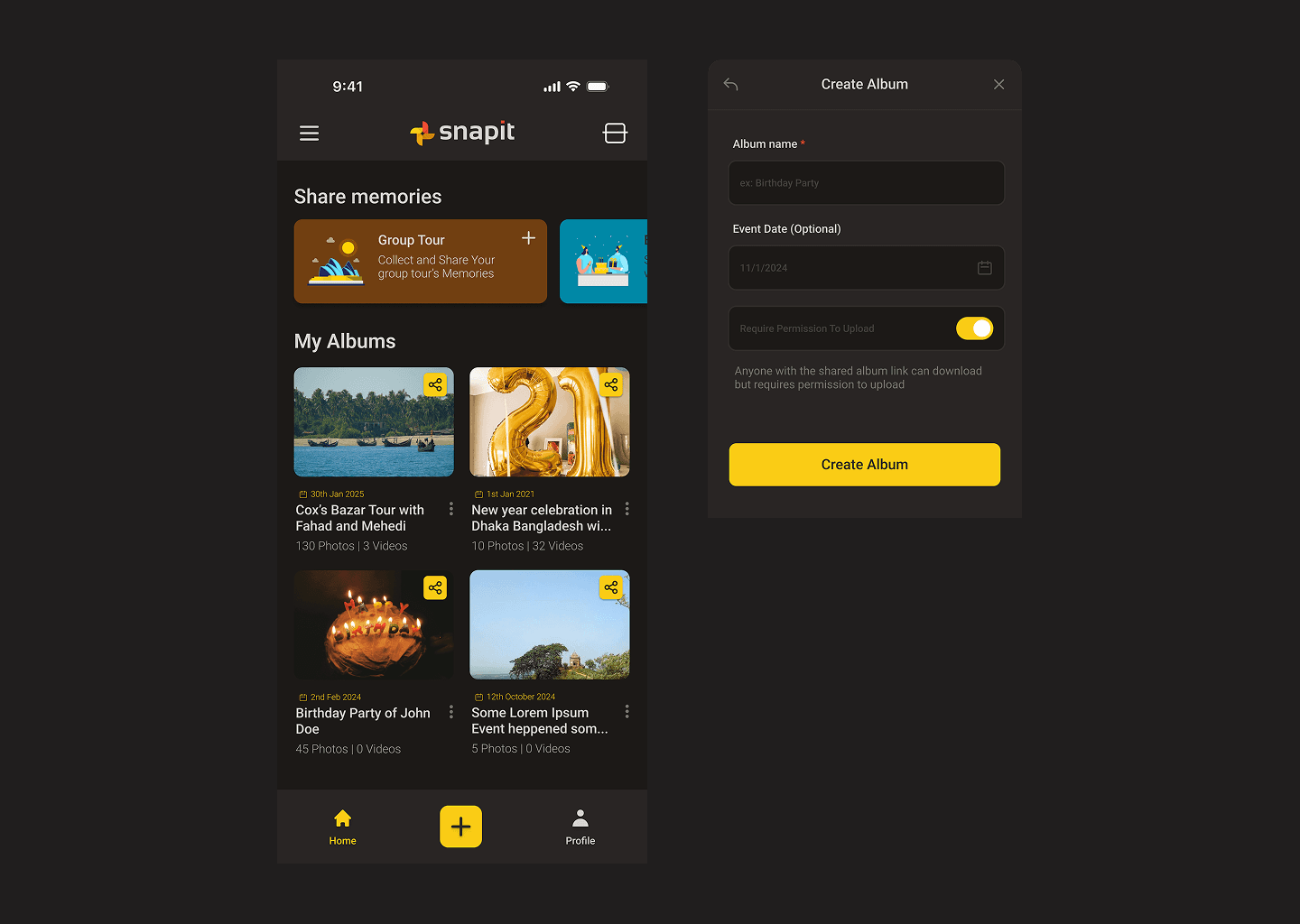
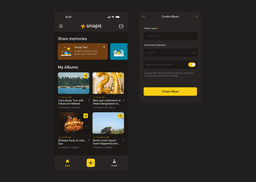
- High-Fidelity UI: Designed an engaging, friendly interface using a yellow (#F59E0B / yellow-500) accent to reflect energy, warmth, and creativity.
- Prototyping: Built interactive prototypes for both Android and iOS views, and ran usability testing on TestFlight and Expo Go.
Design System
- Bright Yellow Accent: Used as a primary action color to encourage user engagement and highlight core actions like Share, Create Room, and Upload.
- Media-First Layout: Prioritized image and video thumbnails, full-width previews, and smooth media transitions.
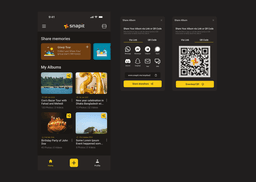
- Reusable Components: Created a flexible design system for buttons, avatars, bottom sheets, QR share cards, and status indicators.
- Dark Mode Support: Designed dark mode to enhance viewing experience during nighttime or in low-light environments.
Results
- Prototype shared among test users resulted in over 500 shared files in the first week.
- Positive feedback on the ease of use, especially from less tech-savvy users.
- Sharing flow time was reduced to under 30 seconds from app launch to completed file transfer.
What I Learned
Designing Snapit taught me the importance of emotional design—people don’t just want functionality, they want something that feels fast, friendly, and fun. I learned to simplify flows without cutting core features and how to design for both techies and casual users alike. Using color strategically helped create trust and excitement in an app meant to be used during memorable moments.